San Andreas / Armas / Otras armas
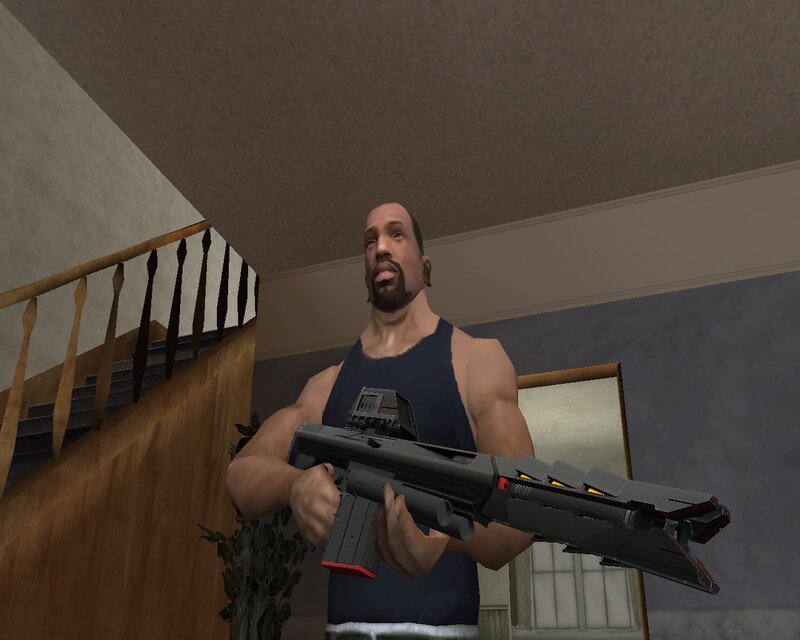
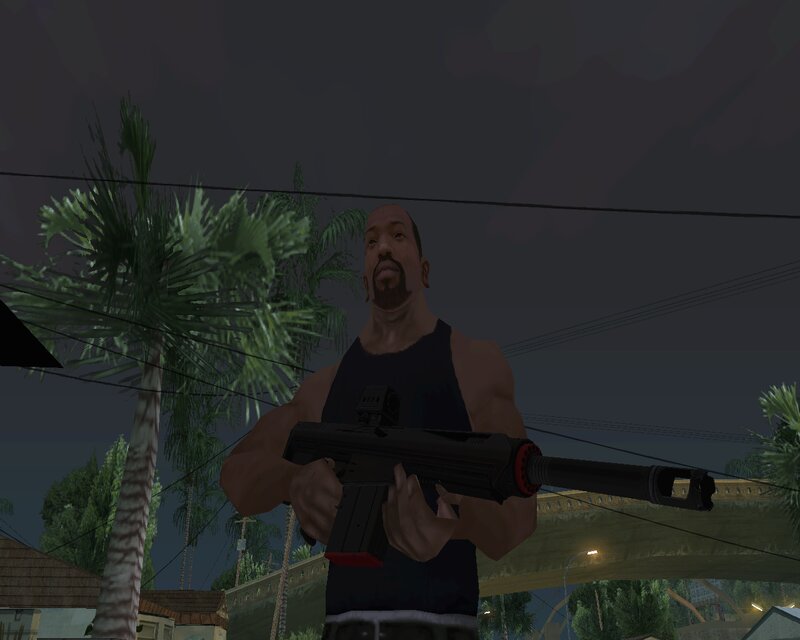
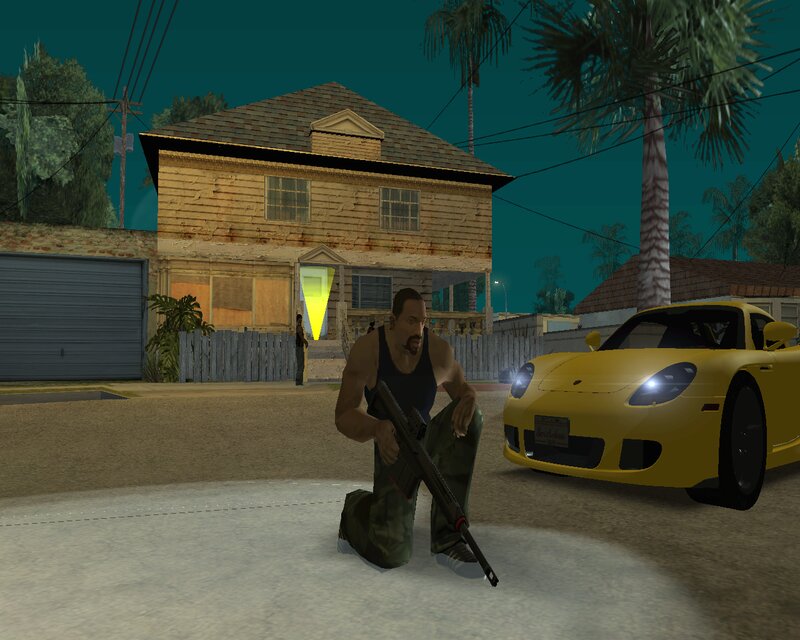
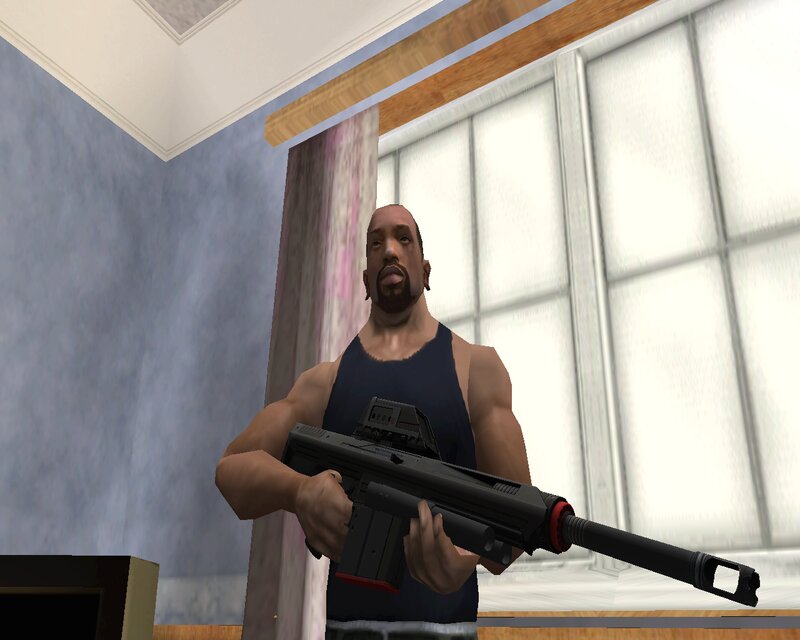
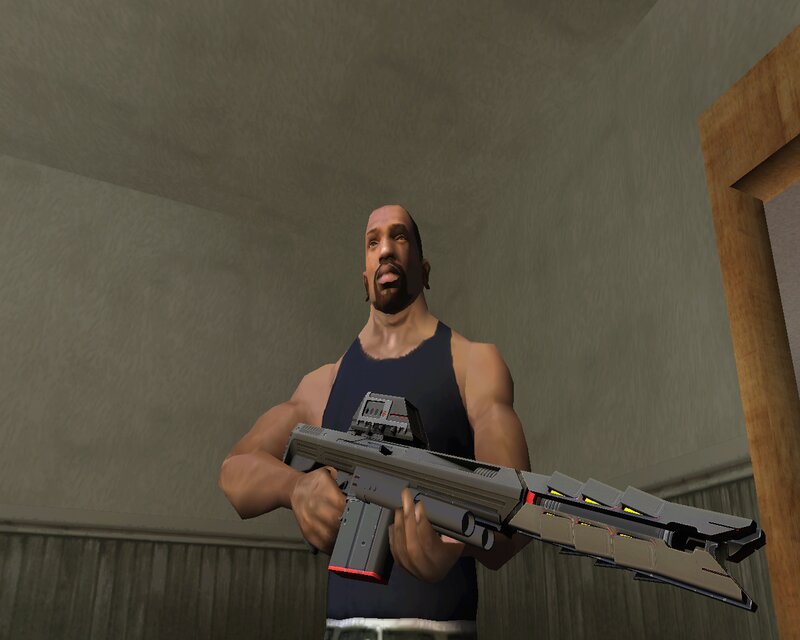
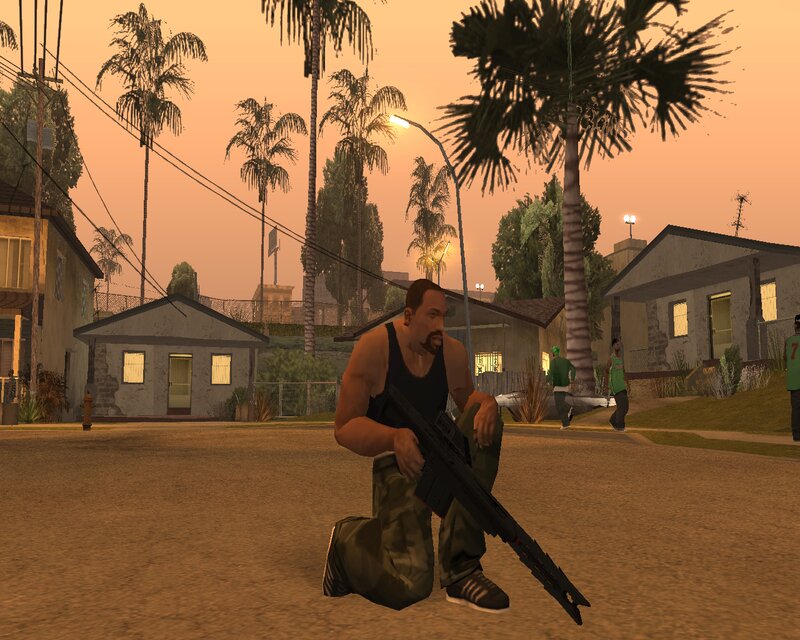
Kobracon from Far Cry 3 Blood Dragon
- N4SPEED GTA | subido por N4SPEED GTA
- 04/18/2025
- 1555 Descargas
Calificaciones:
Por favor, inicia sesión primero.
Favoritos:
Videos
Aún no se han añadido vídeos.Necesitas haber iniciado sesión para añadir vídeos a este mod.
Descripción
This modifications add to GTA: San Andreas new powerful weapon from the game Far Cry 3: Blood Dragon.
The weapon has improved characteristics and fits perfectly into the gameplay.
Features:
-High quality textures and models.
-Increased damage, improved accuracy and increased clip size.
INSTALLATION:
1-Make a backup copy of your game files before installing the mod.
2-Open the "IMG TOOL" program and follow the path:(C, D, E... etc.)\GTA San Andreas\models\gta3.img.
3-In the "gta3.img" file, find "sniper.dff and sniper.txd", replace them with new files from the archive.
4-Move to the data folder and open "weapon.dat" with "Notepad" to replace the "SNIPERRIFLE" lines.
5-Launch the game and enjoy!
The weapon has improved characteristics and fits perfectly into the gameplay.
Features:
-High quality textures and models.
-Increased damage, improved accuracy and increased clip size.
INSTALLATION:
1-Make a backup copy of your game files before installing the mod.
2-Open the "IMG TOOL" program and follow the path:(C, D, E... etc.)\GTA San Andreas\models\gta3.img.
3-In the "gta3.img" file, find "sniper.dff and sniper.txd", replace them with new files from the archive.
4-Move to the data folder and open "weapon.dat" with "Notepad" to replace the "SNIPERRIFLE" lines.
5-Launch the game and enjoy!
Comentarios
Ya se han publicado 0 comentarios.