San Andreas / Mods / ENB Series
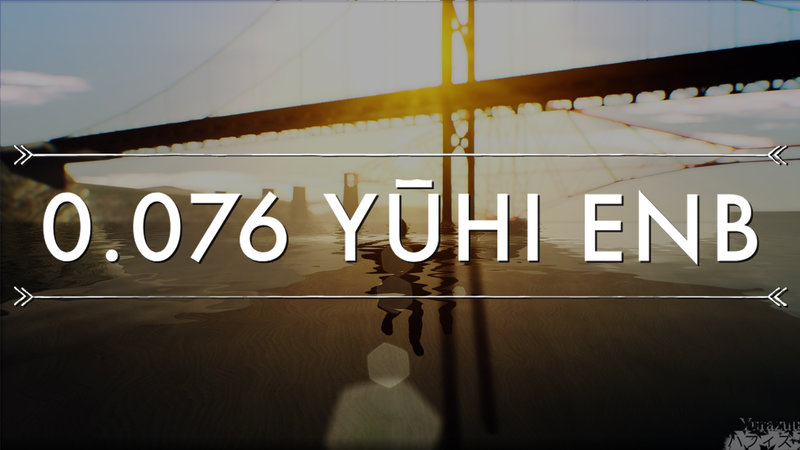
0.076 Yūhi ENB
- Yurazuu | subido por Yurazuu
- web.facebook.com/profile.ph...
- 07/10/2019
- 12966 Descargas
Calificaciones:
Por favor, inicia sesión primero.
Favoritos:
Videos
Aún no se han añadido vídeos.Necesitas haber iniciado sesión para añadir vídeos a este mod.
Descripción
Yuuhi / Yūhi
I know, now is the era of v0.369
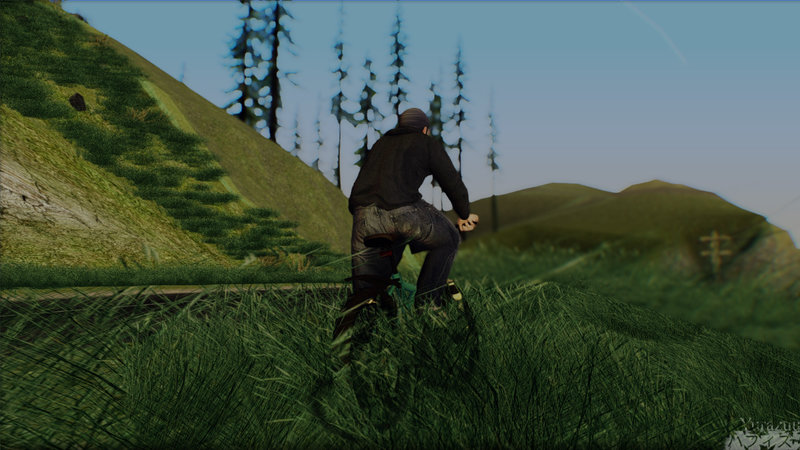
but I think the old one is not bad, right?:')
hehee
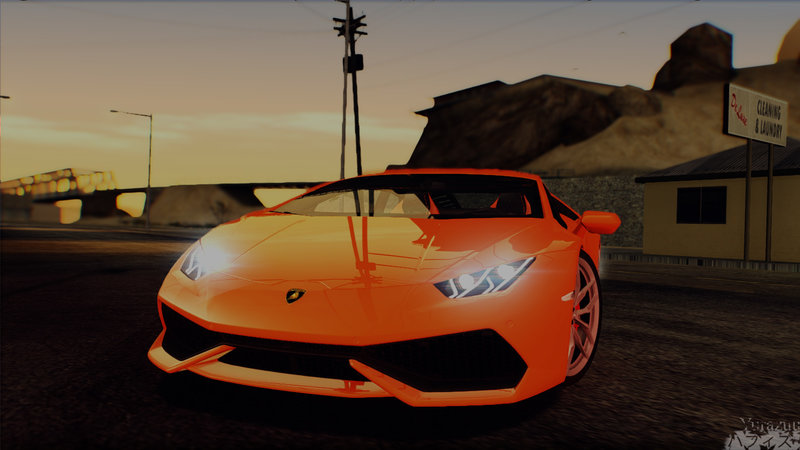
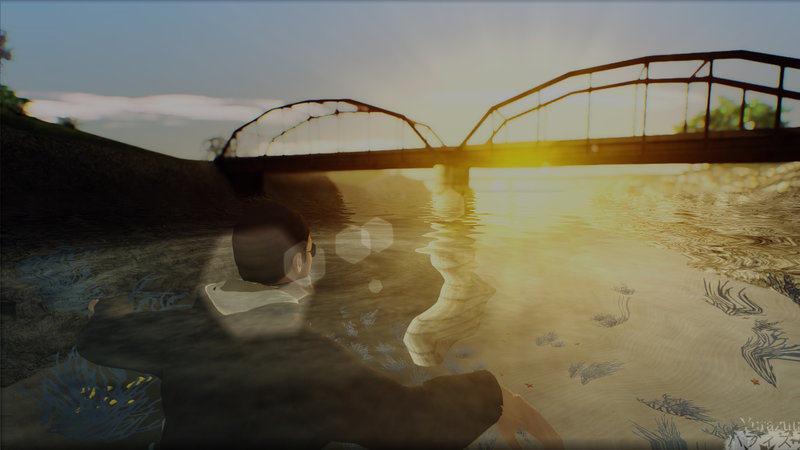
Good reflection
Seriously clean water (maybe weird)
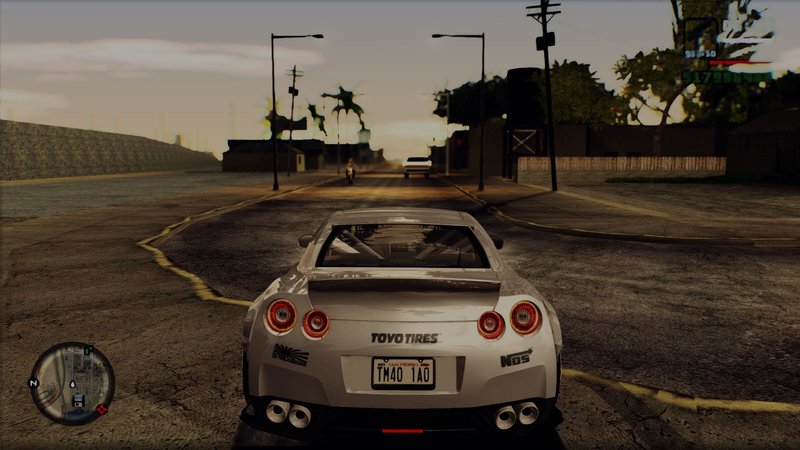
Depth of Field
...and more
Feel free to try it! :D
I know, now is the era of v0.369
but I think the old one is not bad, right?:')
hehee
Good reflection
Seriously clean water (maybe weird)
Depth of Field
...and more
Feel free to try it! :D
Comentarios
Ya se han publicado 14 comentarios.







07/11/2019 00:47
@enbtest123 The text becomes like that actually because the additional AA. It will smooth the jagg especially if you set anti aliasing in 3 in the game settings. The default of anti aliasing in this version of enb is not really good imo, so I added the additions.
In the 2nd picture that is not the brightness problem, that is a common problem in this enb version. The HUD and the radar (and text) will get blurred if there is an object with a long distance behind it and detected as a background, unless all of your views are facing objects that are close. If you don't want it you can to turn off the DOF, I've given the steps in another comment.
Btw thank you for reporting your problem If there is more, feel free to ask :D
Citar | Responder
@enbtest123 The text becomes like that actually because the additional AA. It will smooth the jagg especially if you set anti aliasing in 3 in the game settings. The default of anti aliasing in this version of enb is not really good imo, so I added the additions.
In the 2nd picture that is not the brightness problem, that is a common problem in this enb version. The HUD and the radar (and text) will get blurred if there is an object with a long distance behind it and detected as a background, unless all of your views are facing objects that are close. If you don't want it you can to turn off the DOF, I've given the steps in another comment.
Btw thank you for reporting your problem
If there is more, feel free to ask :DCitar | Responder