San Andreas / Mods / Mods CLEO
Mini-Games from GTA Chinatown Wars
- ArtemQa146 | subido por ArtemQa146
- gtainside.com/user/ArtemQa146
- 10/23/2023
- 8603 Descargas
Calificaciones:
Por favor, inicia sesión primero.
Favoritos:
Vídeos
Necesitas haber iniciado sesión para añadir vídeos a este mod.
Descripción
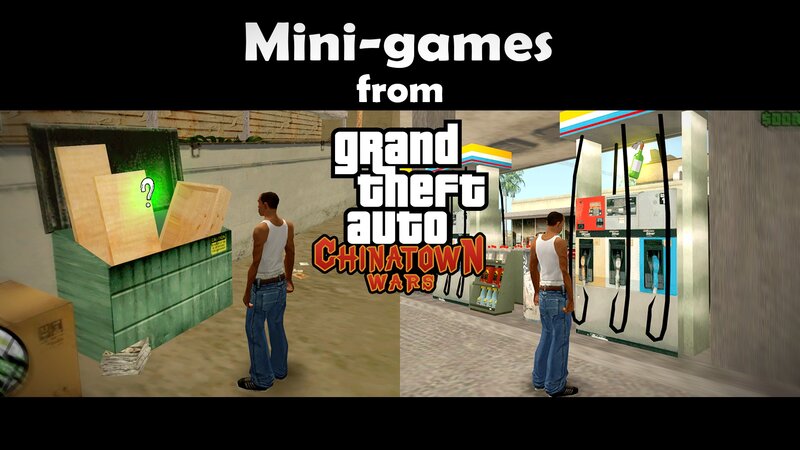
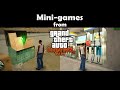
The modification adds mini-games from GTA Chinatown wars, such as:
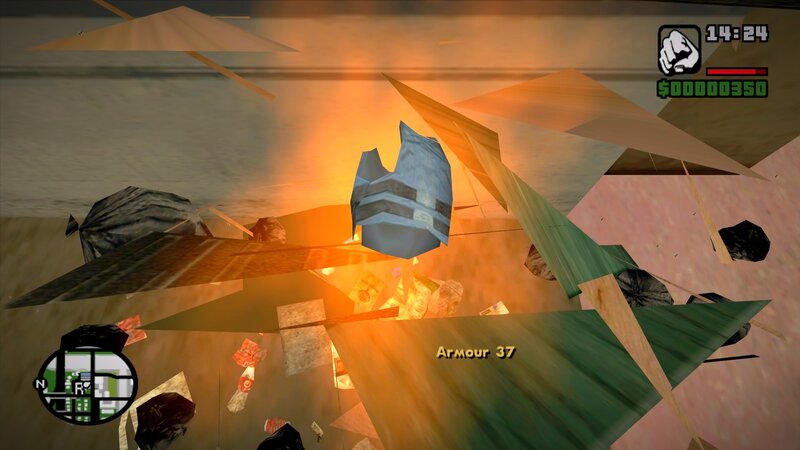
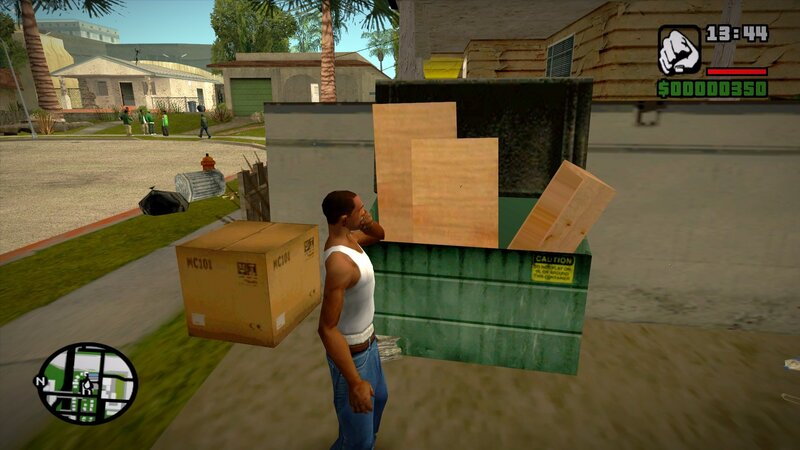
1. Loot in a dumpster;
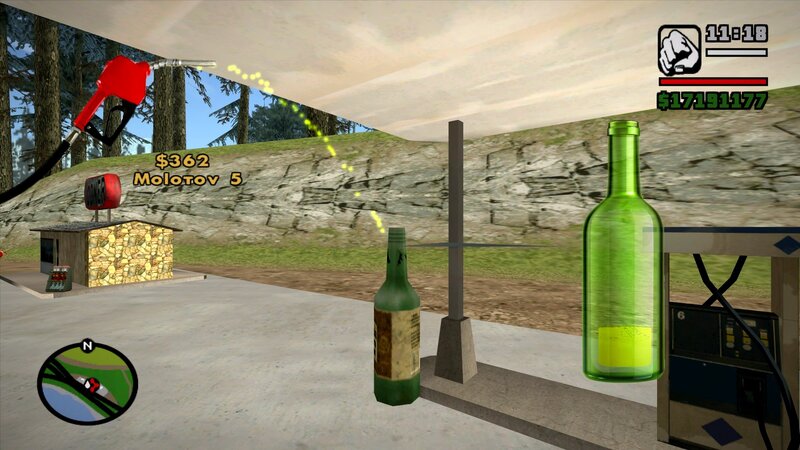
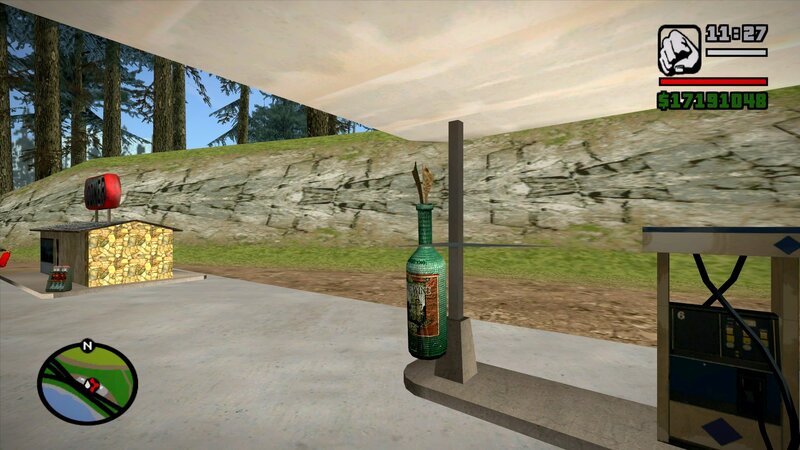
2. Molotov cocktail at the gas station.
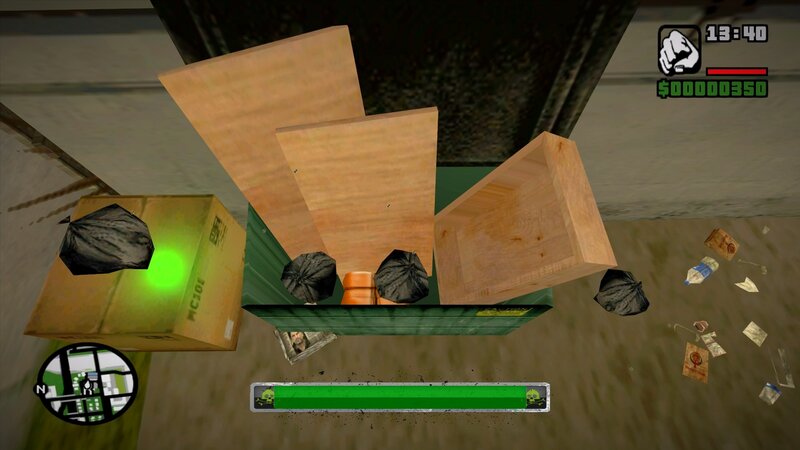
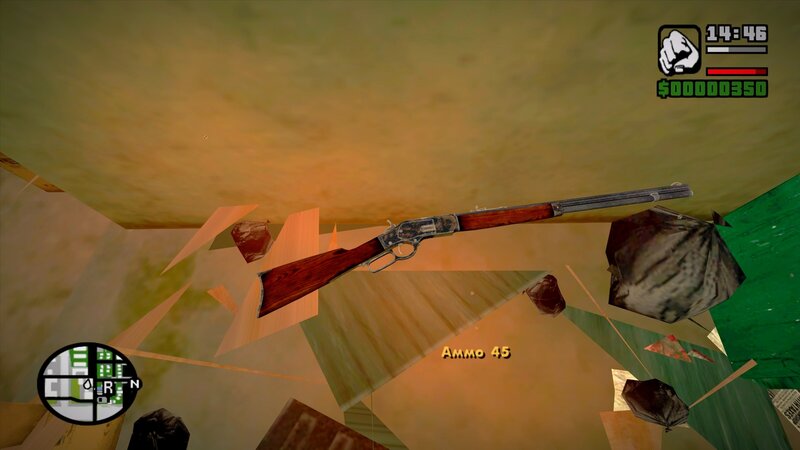
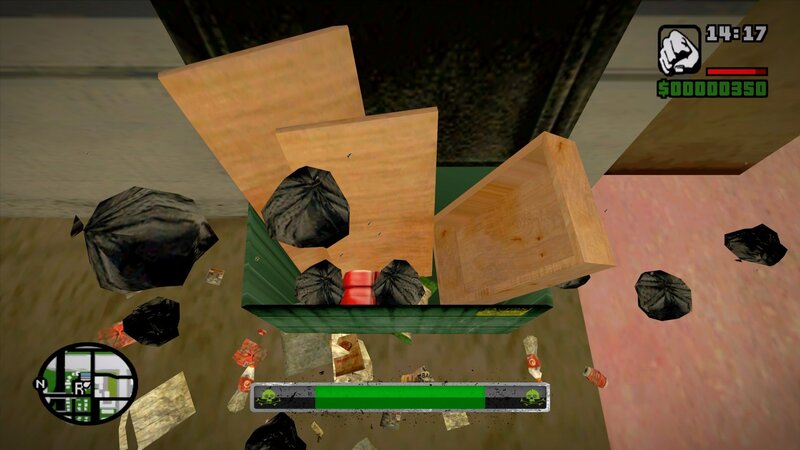
In the dumpster, you can find various loot by completing a mini-game. You need to get a package hidden by someone from the bottom of a dumpster, for this you will have to throw out all the garbage bags by rotating the mouse for a certain time. If you do not have time, the main character will throw up and you will lose some health. If you still managed to get it, then such rewards as weapons, money and armor are waiting for you. Awards are given randomly, and the color of the package also affects the award. For example, money is in green, and armor is in blue. These rewards can be obtained in other packages, but in smaller quantities. The most valuable weapons can be found in a red and orange package.
In order to get a Molotov cocktail, you can fill empty bottles with fuel at the gas station. To do this, you need to rotate the mouse to hold the bottle under the jet of gasoline from the filling gun. After the bottle is filled, you will receive a certain amount of Molotov. While gasoline is pouring from the filling gun, you lose money, the more evenly you hold the bottle, the less money you will spend and the more Molotov you will get. Gas stations are open from 6:00 to 24:00.
In the ini. file, you can adjust the sound volume, the key, the rotation speed and the timer time. Gamepad supported.
It is recommended to use it together with the Project Props mod.
Requirements:
Cleo 4.4
Cleo+
Modloader
1. Loot in a dumpster;
2. Molotov cocktail at the gas station.
In the dumpster, you can find various loot by completing a mini-game. You need to get a package hidden by someone from the bottom of a dumpster, for this you will have to throw out all the garbage bags by rotating the mouse for a certain time. If you do not have time, the main character will throw up and you will lose some health. If you still managed to get it, then such rewards as weapons, money and armor are waiting for you. Awards are given randomly, and the color of the package also affects the award. For example, money is in green, and armor is in blue. These rewards can be obtained in other packages, but in smaller quantities. The most valuable weapons can be found in a red and orange package.
In order to get a Molotov cocktail, you can fill empty bottles with fuel at the gas station. To do this, you need to rotate the mouse to hold the bottle under the jet of gasoline from the filling gun. After the bottle is filled, you will receive a certain amount of Molotov. While gasoline is pouring from the filling gun, you lose money, the more evenly you hold the bottle, the less money you will spend and the more Molotov you will get. Gas stations are open from 6:00 to 24:00.
In the ini. file, you can adjust the sound volume, the key, the rotation speed and the timer time. Gamepad supported.
It is recommended to use it together with the Project Props mod.
Requirements:
Cleo 4.4
Cleo+
Modloader
Comentarios
Ya se han publicado 16 comentarios.




 Good work, can you extend the mod by adding the minigames to open the car door and turn on the vehicles?


11/04/2023 01:54
@Dimitri Rascalov The mobile version is very weak in terms of modding and was ported with more incompleteness and restrictions than other platforms, but most Mobile GTA SA Scripts work for PC, just the Script code should be corrected. Unfortunately, the mods options in the mobile version and the text reader fxt Scripts in the modes do not work the same. Moreover, as far as I know, ModLoader is not required for the mod in the link I gave. Just try renaming the .csa extension to .cs Then put the text reader into the cleo text folder. If these methods do not work, the mod needs to be remade for PC.
Citar | Responder | (0)
@Dimitri Rascalov The mobile version is very weak in terms of modding and was ported with more incompleteness and restrictions than other platforms, but most Mobile GTA SA Scripts work for PC, just the Script code should be corrected. Unfortunately, the mods options in the mobile version and the text reader fxt Scripts in the modes do not work the same. Moreover, as far as I know, ModLoader is not required for the mod in the link I gave. Just try renaming the .csa extension to .cs Then put the text reader into the cleo text folder. If these methods do not work, the mod needs to be remade for PC.
Citar | Responder | (0)



10/30/2023 22:09
@Dimitri Rascalov
https://cheeseburgersmod.blogspot.com/2023/07/drug-dealing-for-sa-mobile.html?m=1
I don't know if the mod in this link will work on PC, but I recommend you try it since most Android mods are compatible. This was a mod that Rockstar Games thought to add and later canceled, but it was included in the game's codes and transferred to the game as is. This is not actually a mod because it was ported to the mobile version of the game as it was from codes that were not added to the game. just like cracking safes, whose use has been canceled for Burglary. if incompatible, search for PC and combine them all. This will be a lot of fun, but only when it's ported to PC. [ Cut Script ]
Citar | Responder | (0)
@Dimitri Rascalov
https://cheeseburgersmod.blogspot.com/2023/07/drug-dealing-for-sa-mobile.html?m=1
I don't know if the mod in this link will work on PC, but I recommend you try it since most Android mods are compatible. This was a mod that Rockstar Games thought to add and later canceled, but it was included in the game's codes and transferred to the game as is. This is not actually a mod because it was ported to the mobile version of the game as it was from codes that were not added to the game. just like cracking safes, whose use has been canceled for Burglary. if incompatible, search for PC and combine them all. This will be a lot of fun, but only when it's ported to PC. [ Cut Script ]
Citar | Responder | (0)