GTA V / Mods / Gráficos
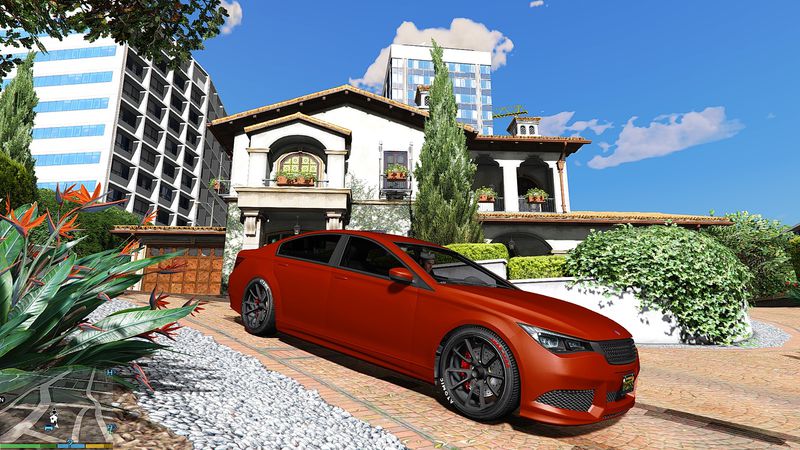
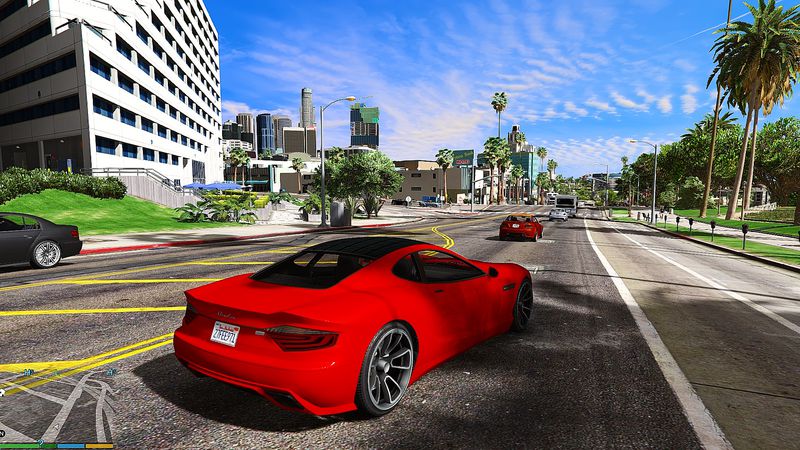
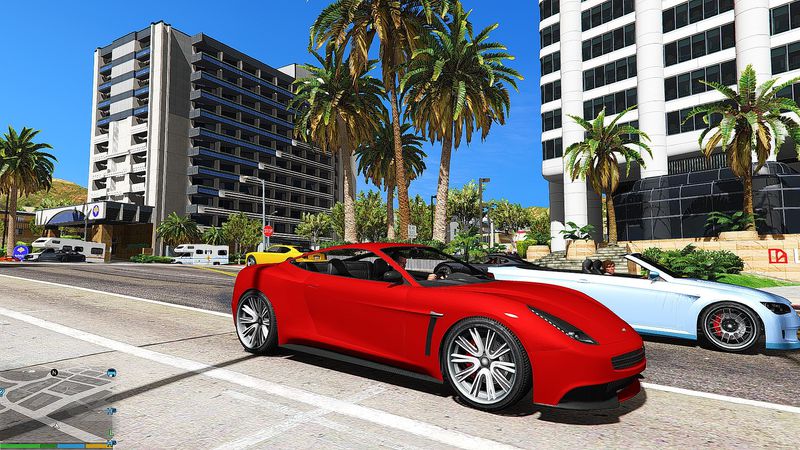
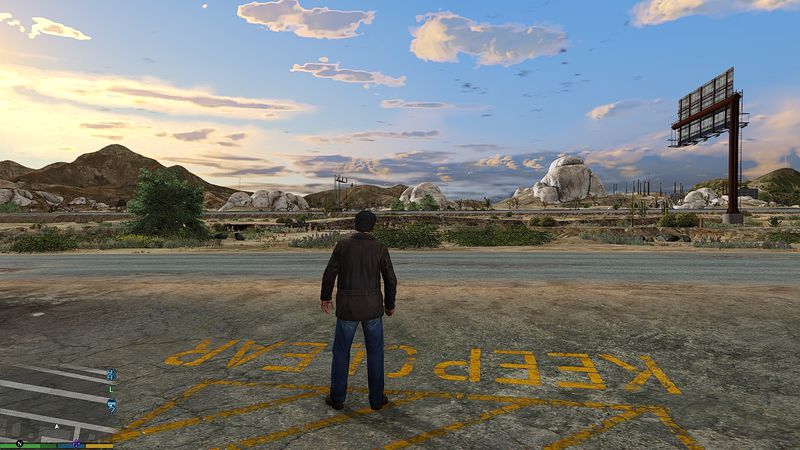
GTA V Extreme Graphics Presets v1.1
- GTA Series Fans | subido por GTA Series Fans
- 07/20/2015
- 13525 Descargas
Calificaciones:
Por favor, inicia sesión primero.
Favoritos:
Descargar
13.73Mb
13.73Mb
Videos
Aún no se han añadido vídeos.Necesitas haber iniciado sesión para añadir vídeos a este mod.
Descripción
This mod was made by me: Panca A. Mukti (GTA Series Fans - Indonesian Guy).
HOW TO INSTALL:
=========================
After finish downloading & extract the RAR files, Open folder "SWEETFX" and then
copy paste & replace the file "SweetFX_settings.txt" inside the GTA V game directory -> SweetFX folder....
finished...run the game.
DESCRIPTIONS:
=========================
To use this mod you must have SweetFX installed !!!
For maximum Extreme Graphic, download this mod: "GTA V Extreme Clear HD Weather v1.2"
then replace with this presets settings.
THANKS FOR DOWNLOADING, HAPPY PLAYING THE NEW LOOK OF GTAV GAME.
WARNING !!!
=========================
DO NOT EDIT MY MOD WITHOUT MY PERMISSIONS OR MAKE YOUR OWN VIDEO USING MY MOD WITHOUT PUT MY NAME (CREDITS) INSIDE THE VIDEO.
DEPOK II TIMUR (JABAR) - INDONESIA, July 20, 2015
HOW TO INSTALL:
=========================
After finish downloading & extract the RAR files, Open folder "SWEETFX" and then
copy paste & replace the file "SweetFX_settings.txt" inside the GTA V game directory -> SweetFX folder....
finished...run the game.
DESCRIPTIONS:
=========================
To use this mod you must have SweetFX installed !!!
For maximum Extreme Graphic, download this mod: "GTA V Extreme Clear HD Weather v1.2"
then replace with this presets settings.
THANKS FOR DOWNLOADING, HAPPY PLAYING THE NEW LOOK OF GTAV GAME.
WARNING !!!
=========================
DO NOT EDIT MY MOD WITHOUT MY PERMISSIONS OR MAKE YOUR OWN VIDEO USING MY MOD WITHOUT PUT MY NAME (CREDITS) INSIDE THE VIDEO.
DEPOK II TIMUR (JABAR) - INDONESIA, July 20, 2015
Comentarios
Ya se han publicado 10 comentarios.


 i dunno why this happen but it works for me
  btw, 10/10

07/20/2015 17:42
@Aaron Hossain@ThatsMe@Skoptsy : Thanks brother...ow by the way, if maybe you think the graphics looks too sharp, just open "Sweetfx_settings.txt" then change the value of this line:
#define sharp_clamp 0.10
change to....
#define sharp_clamp 0.035 (value adjustment between 0.000 - 1.000, depends on your taste)
Citar | Responder
@Aaron Hossain@ThatsMe@Skoptsy : Thanks brother...ow by the way, if maybe you think the graphics looks too sharp, just open "Sweetfx_settings.txt" then change the value of this line:
#define sharp_clamp 0.10
change to....
#define sharp_clamp 0.035 (value adjustment between 0.000 - 1.000, depends on your taste)
Citar | Responder
07/20/2015 17:36
@Mohsine.F : Thanks brother...ow by the way, if maybe you think the graphics looks too sharp, open "Sweetfx_settings.txt" then change the value of this line:
#define sharp_clamp 0.10
change to....
#define sharp_clamp 0.035 (value adjustment between 0.000 - 1.000, depends on your taste)
Citar | Responder
@Mohsine.F : Thanks brother...ow by the way, if maybe you think the graphics looks too sharp, open "Sweetfx_settings.txt" then change the value of this line:
#define sharp_clamp 0.10
change to....
#define sharp_clamp 0.035 (value adjustment between 0.000 - 1.000, depends on your taste)
Citar | Responder



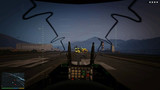

 bcuz it looks cool