GTA V / Mapas
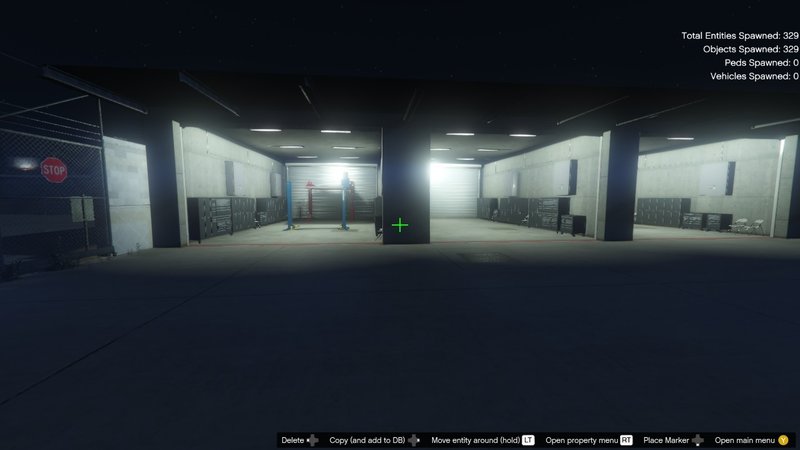
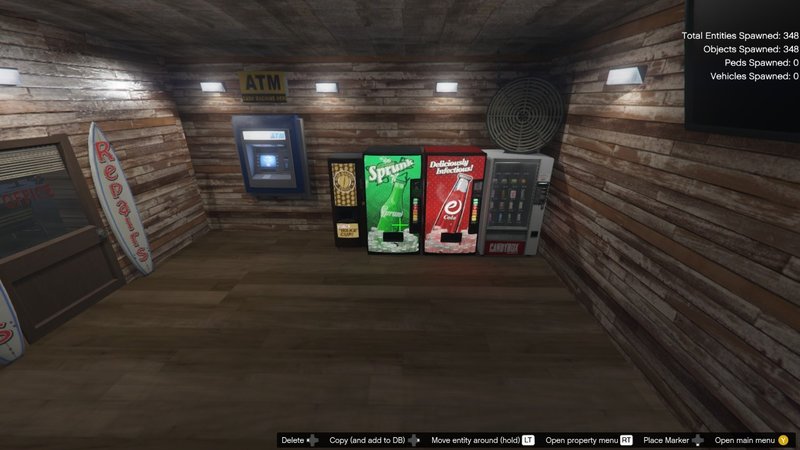
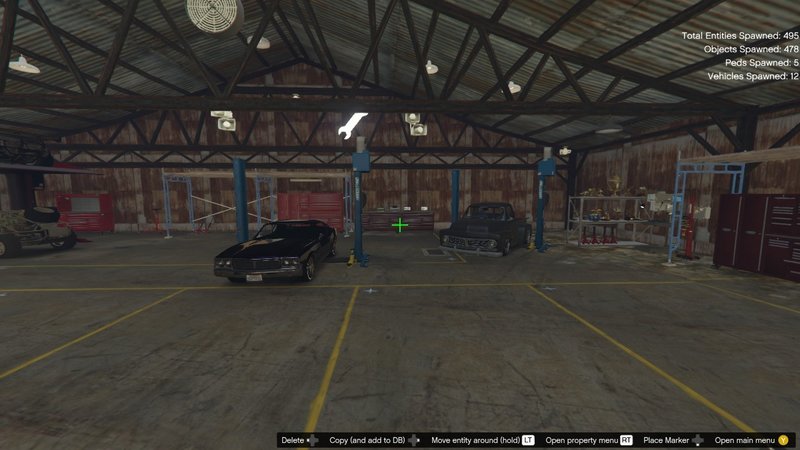
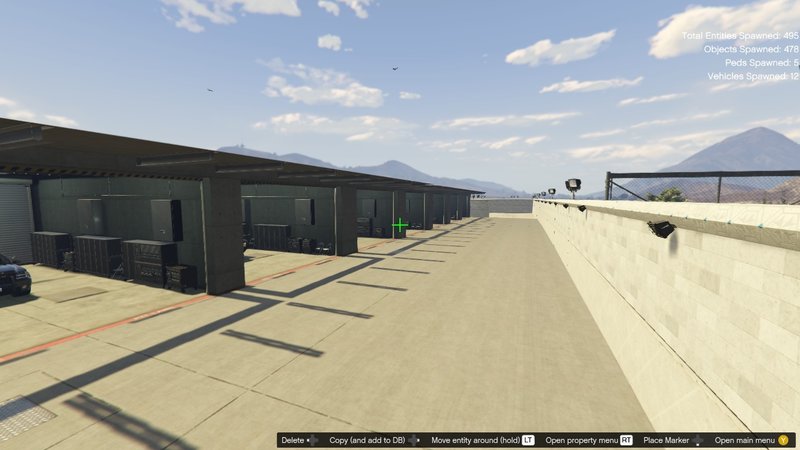
Airport Towing Yard and Garage for GTA V
- arfan modding gta, Mcarnes | subido por Arfan Modding gta
- gta5-mods.com/users/Mcarnes
- 05/22/2019
- 4596 Descargas
Calificaciones:
Por favor, inicia sesión primero.
Favoritos:
Videos
Aún no se han añadido vídeos.Necesitas haber iniciado sesión para añadir vídeos a este mod.
Descripción
Installation FIVEM:
1.) Open the file with 7zip, WinRAR or any other program that allows you to unzip these types of files
2.) Unzip the file into your MAP FOLDER who start on your server.cfg
3.) For FiveM servers - Drop the file AirportTowingYardGarage.ymap to the Stream folder that should be in your Map folder, and that folder shall need to be up on your server Resources folder. After you have that ready, you will need to start the script on your Server.cfg
Installation SINGLEPLAYER:
1.) Extract the YMAP from the folder and set it on your desktop
2.) Open OpenIV, install it if you don’t have it already
3.) *****Make sure you go into edit mode*****
4.) Click update> x64> dlcpacks> custom_maps>dlc.rpf> x64> levels> gta5> citye> maps> custom_maps.rpf
1.) Open the file with 7zip, WinRAR or any other program that allows you to unzip these types of files
2.) Unzip the file into your MAP FOLDER who start on your server.cfg
3.) For FiveM servers - Drop the file AirportTowingYardGarage.ymap to the Stream folder that should be in your Map folder, and that folder shall need to be up on your server Resources folder. After you have that ready, you will need to start the script on your Server.cfg
Installation SINGLEPLAYER:
1.) Extract the YMAP from the folder and set it on your desktop
2.) Open OpenIV, install it if you don’t have it already
3.) *****Make sure you go into edit mode*****
4.) Click update> x64> dlcpacks> custom_maps>dlc.rpf> x64> levels> gta5> citye> maps> custom_maps.rpf
Comentarios
Ya se han publicado 4 comentarios.