GTA IV / Mods / ENB Series / gráficos
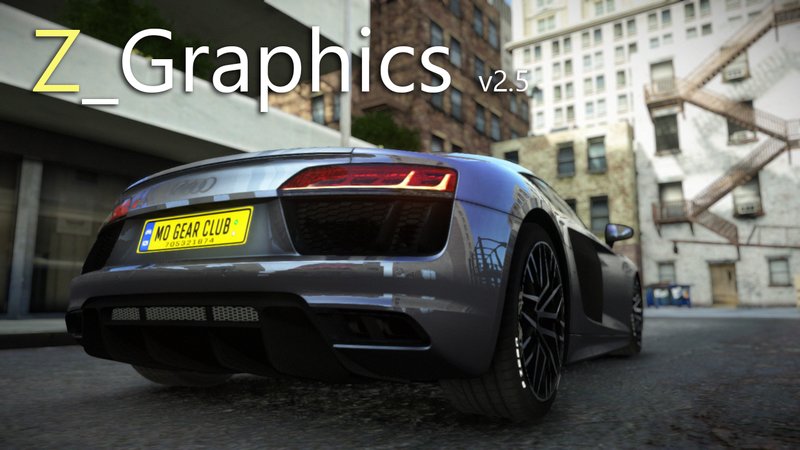
Zimmer's Graphics Enhancement 2.5
- ZIMMER | subido por ZIMMER000
- facebook.com/ZimmerModd1ng
- 07/06/2019
- 74653 Descargas
Calificaciones:
Por favor, inicia sesión primero.
Favoritos:
Descargar
7.19Mb
7.19Mb
Videos
Aún no se han añadido vídeos.Necesitas haber iniciado sesión para añadir vídeos a este mod.
Descripción
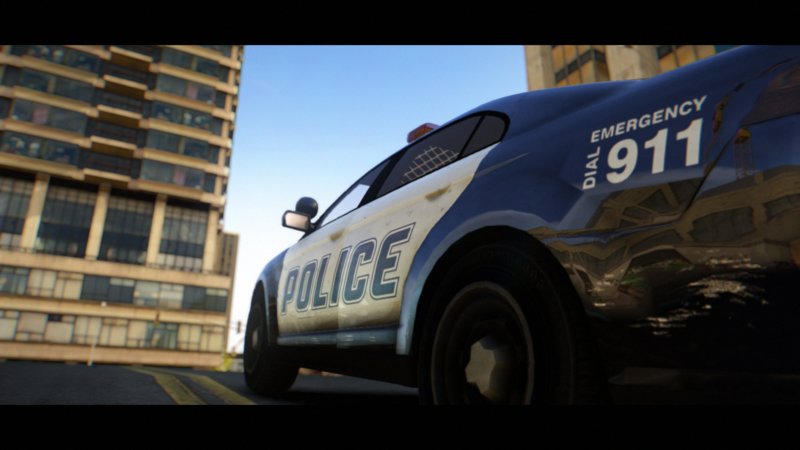
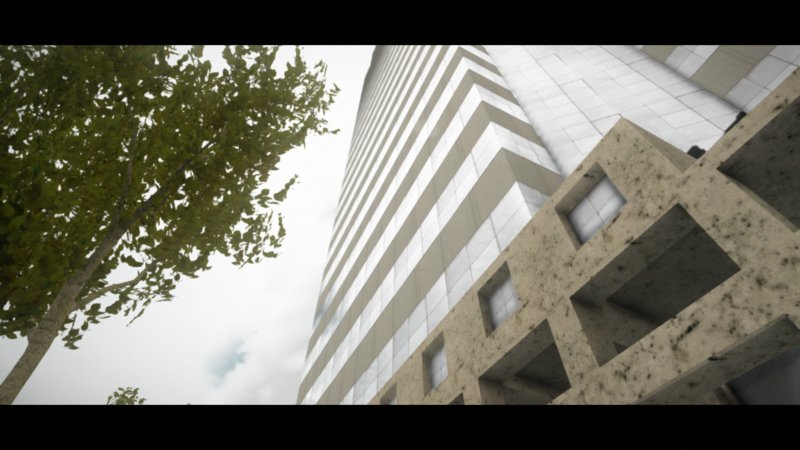
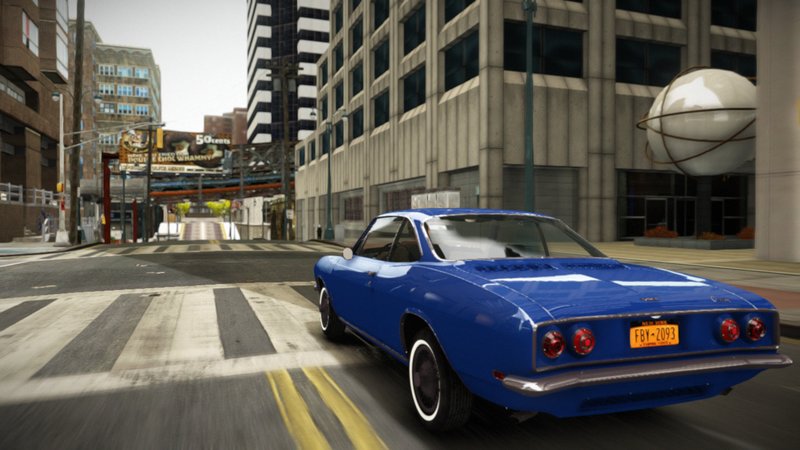
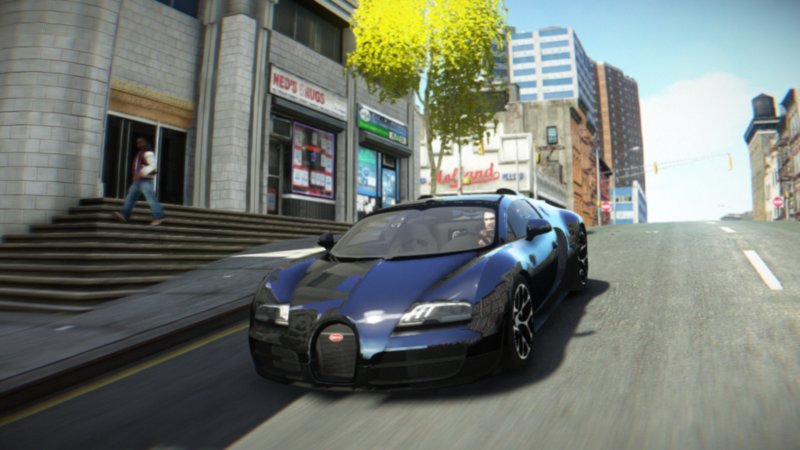
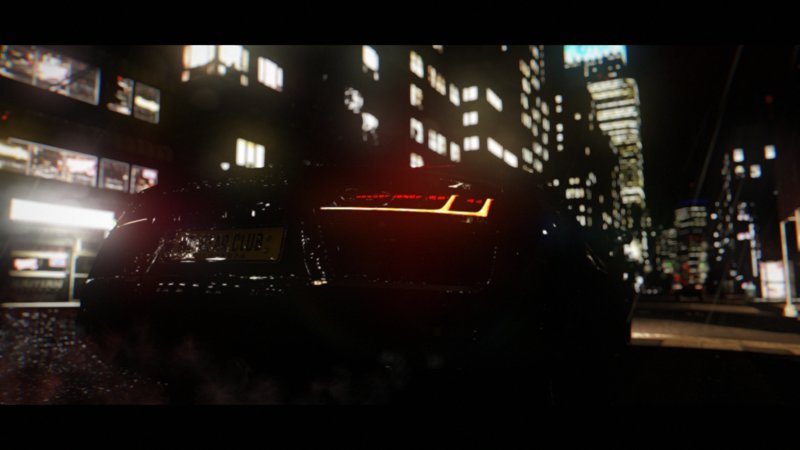
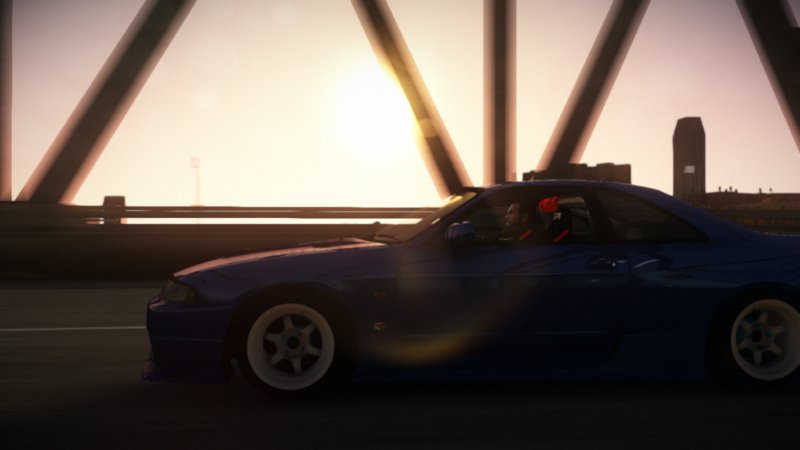
Zimmer's Graphics Enhancement 2.5 - by ZIMMER.
PLEASE BACKUP YOUR GAME BEFORE INSTALLING THIS MOD.
* Update (09.02.2020)
Changelog:
- Hybrid Bokeh Depth of Field
- Completely rewritten postprocessing for vibrant and natural colors
- Changed timecyc.dat
- Reassembled shaders in the common folder
- Completely rewritten effect.txt
- New gaussian bloom
- Fixed and improved GodRays
- New lens flares
This was tested only on patches: GTA IV 1.0.7.0 and EFLC 1.1.2.0. In the future I will possibly add more supported patches. Just wait.
Copyright : ZIMMER, Ice La Glace, Boris Vorontsov
PLEASE BACKUP YOUR GAME BEFORE INSTALLING THIS MOD.
* Update (09.02.2020)
Changelog:
- Hybrid Bokeh Depth of Field
- Completely rewritten postprocessing for vibrant and natural colors
- Changed timecyc.dat
- Reassembled shaders in the common folder
- Completely rewritten effect.txt
- New gaussian bloom
- Fixed and improved GodRays
- New lens flares
This was tested only on patches: GTA IV 1.0.7.0 and EFLC 1.1.2.0. In the future I will possibly add more supported patches. Just wait.
Copyright : ZIMMER, Ice La Glace, Boris Vorontsov
Comentarios
Ya se han publicado 23 comentarios.

03/25/2023 18:10
hello i installed this mod and i like it very much but i have a problem. in the game the distance distance distance looks blurred 10 metres away is blurred as we get closer to that distance it gets clearer. can i adjust this? if so how?
after making this mod, buildings or textures look dementia when they are far away, I just want to fix this, which file of the mod should I check?
Citar | Responder
hello i installed this mod and i like it very much but i have a problem. in the game the distance distance distance looks blurred 10 metres away is blurred as we get closer to that distance it gets clearer. can i adjust this? if so how?
after making this mod, buildings or textures look dementia when they are far away, I just want to fix this, which file of the mod should I check?
Citar | Responder




04/26/2020 15:43
@ZIMMER000 @nana_9x
Finally got it fixed, i was using dsound.dll and changed it to xliveless.
But still i prefer to play with dsound.dll installed, everything is perfect except the night sky Flickering.
I don't know if it's related, when i played with xliveless As Cattleprodsodomy mentioned below, it was super bright especially the car headlights. During night time, it is darker compared to dsound.dll, and it got me into another problems lamps and vehicles lights are flickering.
Citar | Responder
@ZIMMER000 @nana_9x
Finally got it fixed, i was using dsound.dll and changed it to xliveless.
But still i prefer to play with dsound.dll installed, everything is perfect except the night sky Flickering.
I don't know if it's related, when i played with xliveless As Cattleprodsodomy mentioned below, it was super bright especially the car headlights. During night time, it is darker compared to dsound.dll, and it got me into another problems lamps and vehicles lights are flickering.
Citar | Responder

04/25/2020 20:25
Citar | Responder
any solution?Quote: arietjandra
One thing that bothers me is the night time, the sky looks pixelated for some reasons it changes every hour, depending on the time and camera angle.
I've tried without any mods, base GTA IV Patch 1.0.7.0 and it appears the same.
other than that, everything is good.
https://imgur.com/Gzi7SyQ
https://imgur.com/BLTYu4S
https://imgur.com/XKKOIvA
If anyone has a solution that would be great!
Citar | Responder

04/25/2020 12:50
One thing that bothers me is the night time, the sky looks pixelated for some reasons it changes every hour, depending on the time and camera angle.
I've tried without any mods, base GTA IV Patch 1.0.7.0 and it appears the same.
other than that, everything is good.
https://imgur.com/Gzi7SyQ
https://imgur.com/BLTYu4S
https://imgur.com/XKKOIvA
If anyone has a solution that would be great!
Citar | Responder
One thing that bothers me is the night time, the sky looks pixelated for some reasons it changes every hour, depending on the time and camera angle.
I've tried without any mods, base GTA IV Patch 1.0.7.0 and it appears the same.
other than that, everything is good.
https://imgur.com/Gzi7SyQ
https://imgur.com/BLTYu4S
https://imgur.com/XKKOIvA
If anyone has a solution that would be great!
Citar | Responder

02/27/2020 04:22
@ZIMMER000 Ok I found another weird problem.
I turned off god rays in the enbshaders.txt. But then in game, the lighting is all screwed up, super bright light sources/reflection everywhere regardless of indoor and outdoor. It doesn't change from cutscenes or loading savegame or restarting game. I turned it back on in the txt, and now all the lighting works fine. I have the god rays on lowest quality, seems to have alleviated some fps well enough. I like the god rays anyway.
Citar | Responder
@ZIMMER000 Ok I found another weird problem.
I turned off god rays in the enbshaders.txt. But then in game, the lighting is all screwed up, super bright light sources/reflection everywhere regardless of indoor and outdoor. It doesn't change from cutscenes or loading savegame or restarting game. I turned it back on in the txt, and now all the lighting works fine. I have the god rays on lowest quality, seems to have alleviated some fps well enough. I like the god rays anyway.
Citar | Responder
02/27/2020 00:53
@ZIMMER000 cool i'll try that. i also turned off ambient occlusion in enbseries.ini
Also, I came across a couple problems:
Sun reflection off of road and other surfaces is inconsistent. Sometimes it will get very bright and washed out almost as if there's snow/sand everywhere. Then it usually changes back after indoor cutscenes or savegame load. Also the orangey hue for morning and evening goes away sometimes and it looks like 2pm light when it's 7pm, even when not involving cutscenes/loads, just driving around in shadowed areas for a while and coming out can change it.
There is also a problem with most of the traffic lights. Some of them are fine and clear from a distance, but for the rest, you can't tell whether it's red, yellow, or green until you're right up on it. It looks like a matte, opaque texture on each light lens, with a small ring around the texture that is lit (as if from behind the lens textures) but you can't see it until you're almost under the light.
Citar | Responder
@ZIMMER000 cool i'll try that. i also turned off ambient occlusion in enbseries.ini
Also, I came across a couple problems:
Sun reflection off of road and other surfaces is inconsistent. Sometimes it will get very bright and washed out almost as if there's snow/sand everywhere. Then it usually changes back after indoor cutscenes or savegame load. Also the orangey hue for morning and evening goes away sometimes and it looks like 2pm light when it's 7pm, even when not involving cutscenes/loads, just driving around in shadowed areas for a while and coming out can change it.
There is also a problem with most of the traffic lights. Some of them are fine and clear from a distance, but for the rest, you can't tell whether it's red, yellow, or green until you're right up on it. It looks like a matte, opaque texture on each light lens, with a small ring around the texture that is lit (as if from behind the lens textures) but you can't see it until you're almost under the light.
Citar | Responder
02/25/2020 23:12
Hey this looks great and works better than icenhancer 3.
However my frames are shitty.
I turned off DOF, Noise, and lowered motion blur. Definite frame improvement but still a little slow.
I see a few other settings in enbshaders.txt I'm confused about:
Bloom, default is at 1...what are range of settings?
Lens dirt, same question
Does post-process secton affect fps and what is setting range?
Thanks
Citar | Responder
Hey this looks great and works better than icenhancer 3.
However my frames are shitty.
I turned off DOF, Noise, and lowered motion blur. Definite frame improvement but still a little slow.
I see a few other settings in enbshaders.txt I'm confused about:
Bloom, default is at 1...what are range of settings?
Lens dirt, same question
Does post-process secton affect fps and what is setting range?
Thanks
Citar | Responder
 I'll check it out and try to figure it out myself....
09/21/2019 17:38
tested really good and just like a improved version of your old NLG ENB,I can see the same styles in it.btw,the ingame DOF is really amazing and I wonder if it can be used to the iCEnhancer 3.0 as well(since the default DOF in the ice3.0 doesnt work for me at all.... )
)
Citar | Responder
tested really good and just like a improved version of your old NLG ENB,I can see the same styles in it.btw,the ingame DOF is really amazing and I wonder if it can be used to the iCEnhancer 3.0 as well(since the default DOF in the ice3.0 doesnt work for me at all....
)Citar | Responder