GTA III / Coches / Ferrari
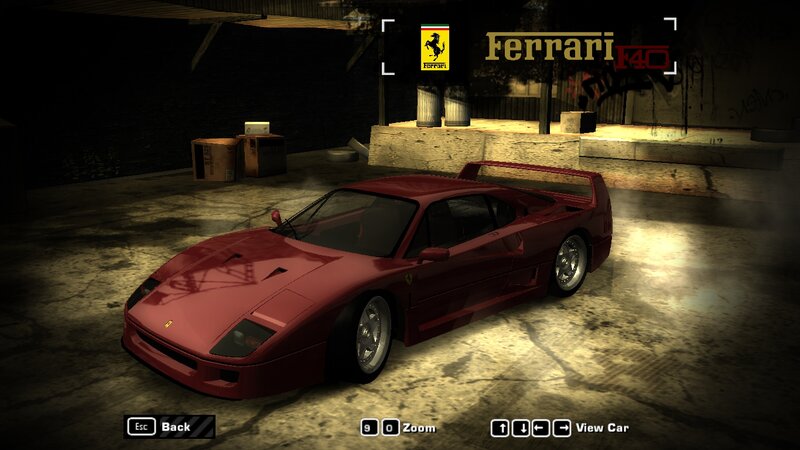
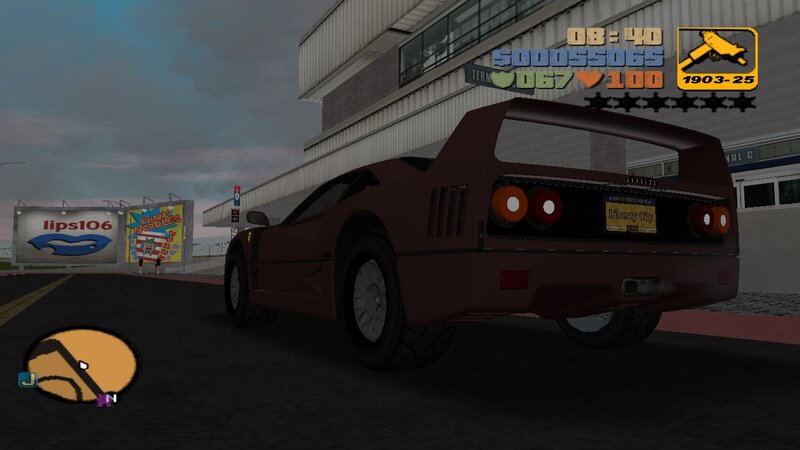
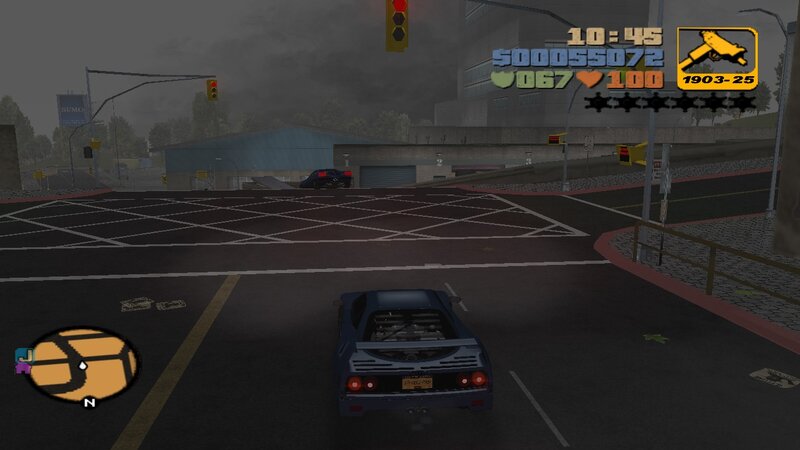
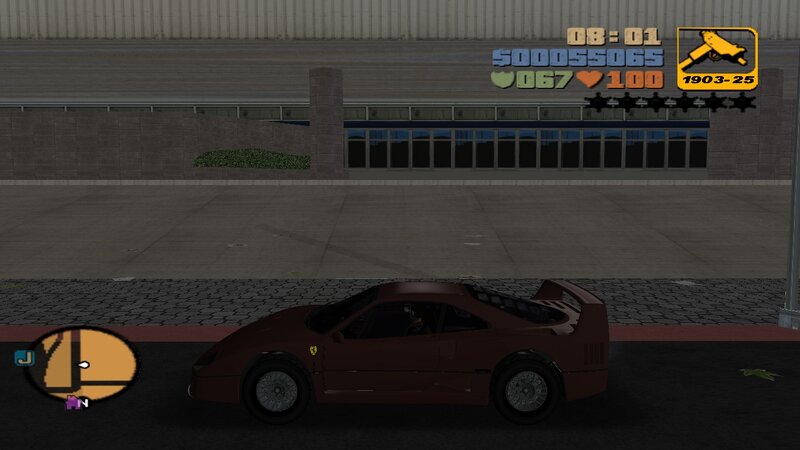
Ferrari F40
- N4SPEED GTA | subido por N4SPEED GTA
- 04/03/2026
- 2177 Descargas
Calificaciones:
Por favor, inicia sesión primero.
Favoritos:
Vídeos
Aún no se han añadido vídeos.Necesitas haber iniciado sesión para añadir vídeos a este mod.
Descripción
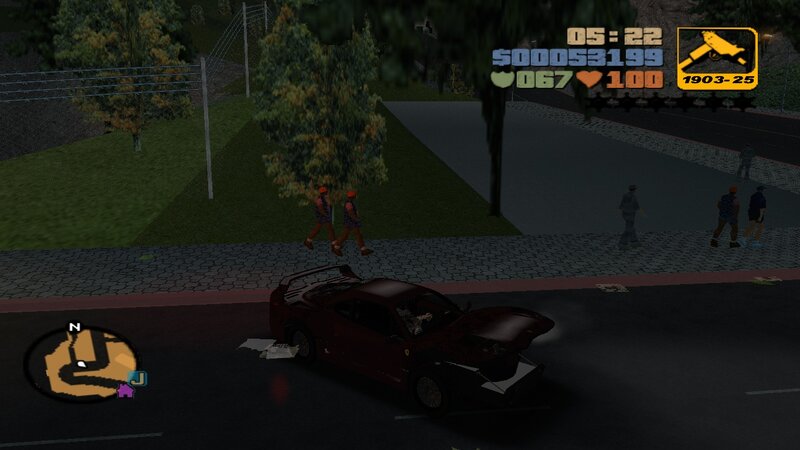
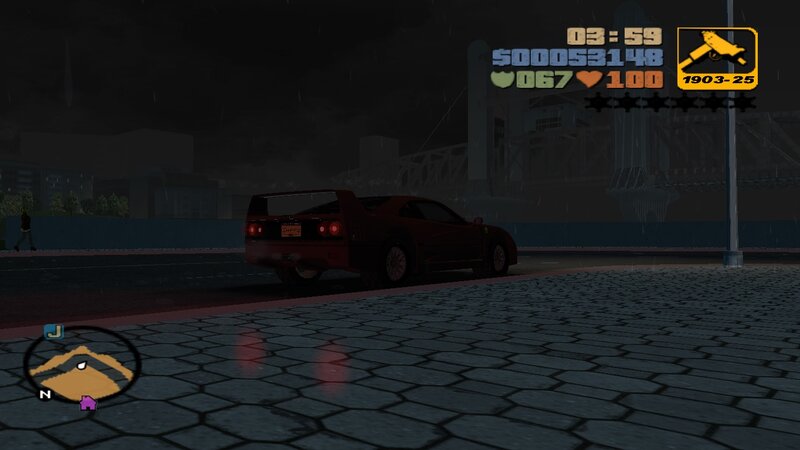
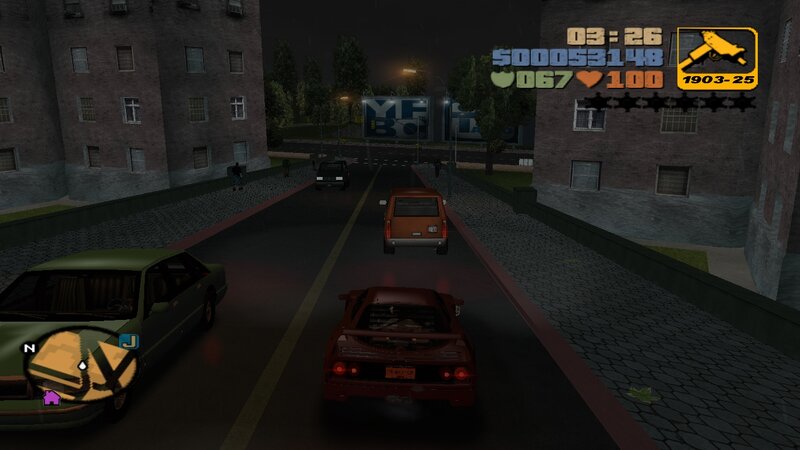
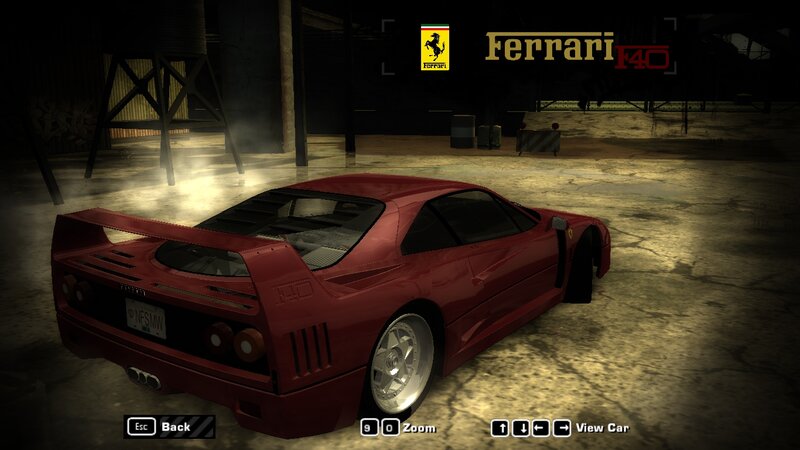
Ferrari F40 for GTA III.
FEATURES:
-High quality models and textures.
-Improved handling for the new car.
INSTALLATION INSTRUCTIONS:
-With "Txd Workshop" locate the game's installation folder and move to "models",Open the file "gta3.img" and replace "infernus.dff & infernus.txd".
-Use "Txd Workshop" again to open the file "txd.img",find and replace "infernus.txd".
-Go to folder "models\generic" and replace "wheels.DFF & MISC.txd".
-After That go to folder "data",open the file "handling.cfg" with "Notepad" and replace the handling line "INFERNUS" with the new.
-Launch the game and enjoy with your new car!
NOTES:
-Make a backup copy of your game files before installing the mod.
-Make sure you follow all the steps correctly to avoid errors in the game.
FEATURES:
-High quality models and textures.
-Improved handling for the new car.
INSTALLATION INSTRUCTIONS:
-With "Txd Workshop" locate the game's installation folder and move to "models",Open the file "gta3.img" and replace "infernus.dff & infernus.txd".
-Use "Txd Workshop" again to open the file "txd.img",find and replace "infernus.txd".
-Go to folder "models\generic" and replace "wheels.DFF & MISC.txd".
-After That go to folder "data",open the file "handling.cfg" with "Notepad" and replace the handling line "INFERNUS" with the new.
-Launch the game and enjoy with your new car!
NOTES:
-Make a backup copy of your game files before installing the mod.
-Make sure you follow all the steps correctly to avoid errors in the game.
Comentarios
Ya se han publicado 0 comentarios.